
Animation
GIF (.gif)
Quality: Original dimensions, original frame count
The true animated GIF file when Pinterest stores one — loops anywhere without a video player: forums, READMEs, profile banners.
Paste an animated pin link to save it as a GIF or MP4 with the motion intact.
More Pinterest Tools
Use these tools only for your own pins, content you have permission to save, or public posts you need for personal offline reference or education.
How it works
Open the animated pin and copy the URL from the address bar, or use Share → Copy link in the Pinterest app.
Paste the link above and press Download. The tool tells you whether the pin is a real GIF or a video loop.
Choose the format that fits your destination. The animation comes through with no frozen first frame.
Why Down4Media
Animated pins behave differently from images and videos. Here is what this tool does specifically for them.
Right-clicking grabs the static preview frame. This tool fetches the file behind the pin, so the full loop comes through with motion intact.
Most Pinterest 'GIFs' are actually short MP4 loops. The downloader lets you keep the original format or save as a true animated GIF.
If the pin is a real GIF (an .gif file), the tool saves the .gif. If it's a video loop, the MP4 is returned. No silent conversion.
No signup and no Pinterest login. Paste a public animated pin link and the animation comes straight back.
If you paste a regular image pin, the tool surfaces the original image instead. If it's a video, it routes to the video downloader.
Save a clean .gif for profile banners, README files, and forum signatures — or save the MP4 for messaging apps and video editors.
Down4Media works with publicly accessible Pinterest links and displays whatever media is available for that link. For animated pins it fetches the actual animation file — a true GIF or the silent looping MP4 Pinterest stores — so the motion plays instead of a frozen first frame. You never need to enter your Pinterest login details.
The steps below explain how to download available Pinterest GIFs from the mobile app or a desktop browser.
.gif files, so an MP4 result is the animation, not a failure.| What works | What does not work |
|---|---|
| Public Pinterest pin and pin.it links | Private, login-only, restricted, deleted, or unavailable content |
| Animated pins as a true GIF or the silent MP4 loop Pinterest stores — at the source quality | Board, profile, Ideas, or Answers pages |
| Regular image and video pins, routed to the matching result | Bypassing Pinterest access controls, or adding frames/upscaling beyond what the Pinterest source provides |
Quality note: Down4Media returns the animation at the source quality Pinterest provides — it does not manufacture frames, upscale, or convert silently. Most animated pins are stored as silent MP4 loops because video compresses far better than GIF; convert locally to .gif only if you truly need that format.
Down4Media is designed to work in modern mobile and desktop browsers — Android (Chrome and others), iPhone/iPad (Safari, with saves routed through Files or Photos), and desktop. Whether you are searching for a fast Pinterest GIF downloader website or just want to save an animated pin on the go, Down4Media works from any browser, with nothing to install.
Besides standard Pinterest GIFs, Down4Media also handles:
Down4Media only processes public Pinterest URLs — it never asks for your Pinterest username or password. As with any online download service, stick to URLs and media you are allowed to download, and keep your browser and device security up to date.
Responsible use. An animated pin being public doesn't make it copyright-free — keep only animations you own or are authorized or legally permitted to save. Down4Media never bypasses Pinterest access controls and is not affiliated with Pinterest. Creator-rights details and how service and analytics data is handled are in our Terms of Use & Privacy Policy.
https://www.pinterest.com/pin/795377984215165340/https://pin.it/60m8aXr85UPDATE: Down4Media does not host Pinterest media — animated pins are delivered straight from CDN servers, and private or restricted content is never fetched. Only save publicly accessible pins you own or are permitted to keep. Full details in our Terms & Conditions.
Some pins may take longer to process — large animation files and busy periods can slow the lookup. If a link fails, the pin is usually private, deleted, or not a direct pin URL.
Need another pin format? The Down4Media home tool handles video pins and the Pinterest image downloader handles static pins — the paste-a-link flow is identical.
Animated pins belong to their creators — saving for personal use is fine, reposting or commercial use needs their permission. For more, read Best Pinterest Downloader in 2026 or browse the Pinterest downloader guides.
Output formats
Animated pins come back in whatever format Pinterest actually stores — a true GIF, a silent MP4 loop, or the original photo if the pin turns out to be still. Pick whichever output fits where the file is going.
Animation
Quality: Original dimensions, original frame count
The true animated GIF file when Pinterest stores one — loops anywhere without a video player: forums, READMEs, profile banners.
Video loop
Quality: Same resolution, ~10× smaller than the GIF
Many animated pins are stored as silent MP4 loops. Best for chats, messaging apps, and video editors — smoother playback too.
Still image
Quality: Original resolution
If the pin turns out to be a regular still image, the downloader surfaces the original photo instead of failing.
Where to find the link
Pinterest gives you two URL forms depending on where you copy from: the full pinterest.com/pin/123.../ form from the website, or a short pin.it/abc123 form from the mobile app share menu. Both work in the downloader.
Open the animated pin in the Pinterest app
Animated pins play their loop right on the board grid. The pin must be from a public board — secret-board pins are not fetchable.
Tap the Share icon
The paper-airplane icon at the bottom-right of the pin (or the three-dot menu on Android).
Choose Copy link
A short pin.it/abc123 URL lands on your clipboard — that is exactly what the downloader needs.
Paste and pick a format
Tap Paste on this page, press Download, then choose GIF or MP4 depending on where the animation is headed.
Open the pin on pinterest.com
No login needed, but the pin must be publicly visible. If Pinterest shows a login wall for it, the pin is private and cannot be fetched.
Copy the URL from the address bar
It should look like https://www.pinterest.com/pin/123456789/... Short pin.it links from the app work equally well.
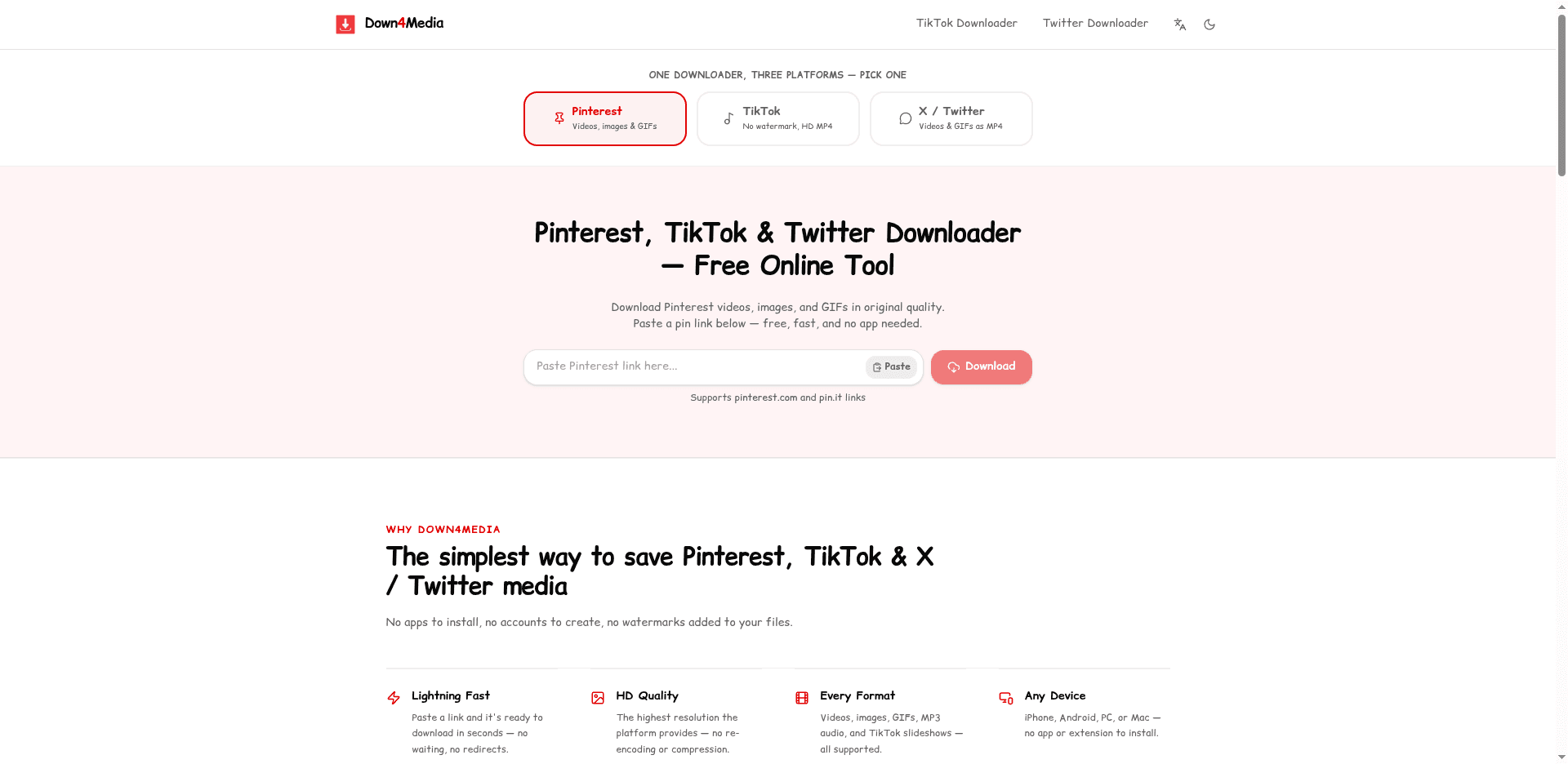
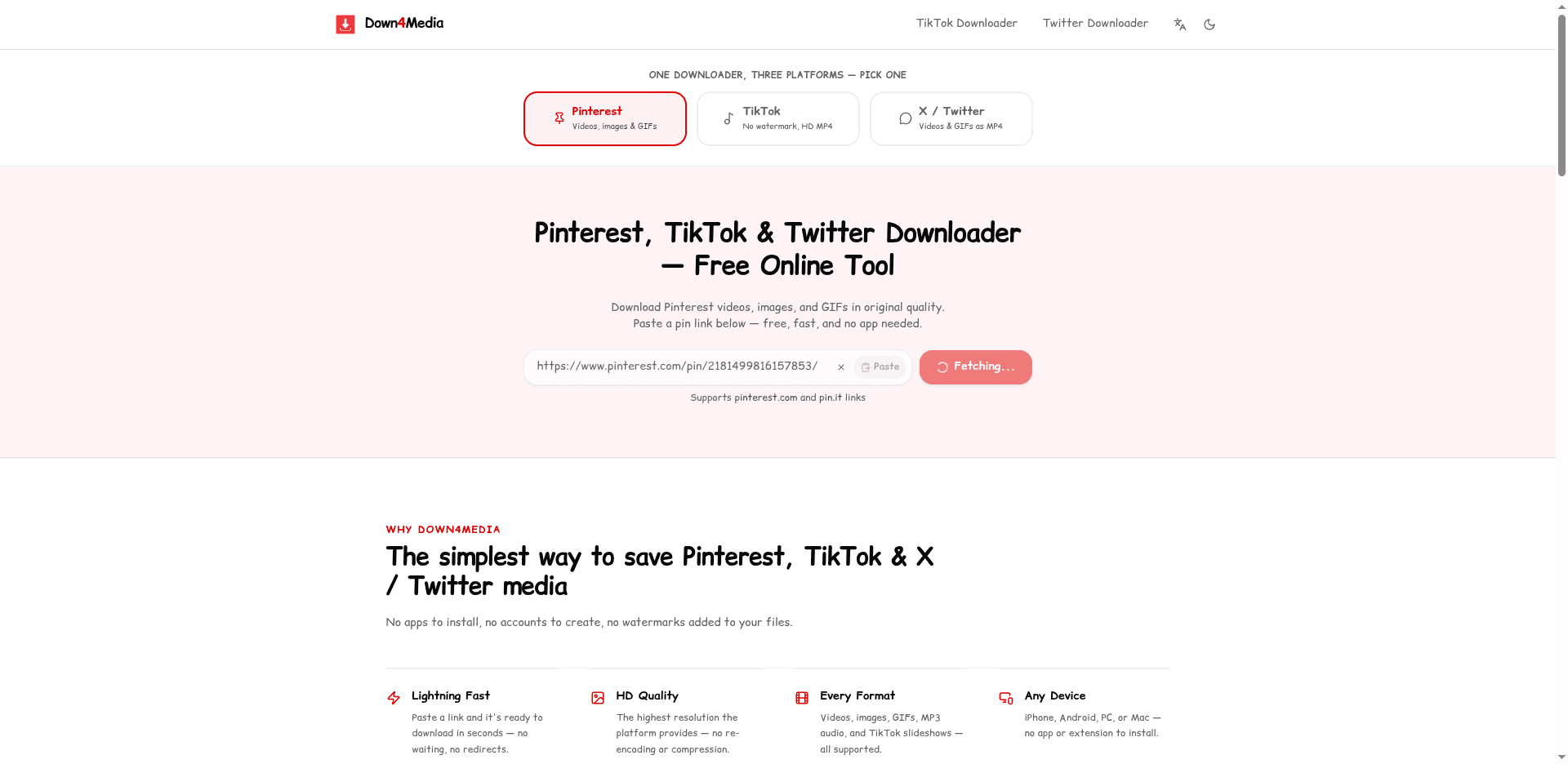
Paste it into the box above
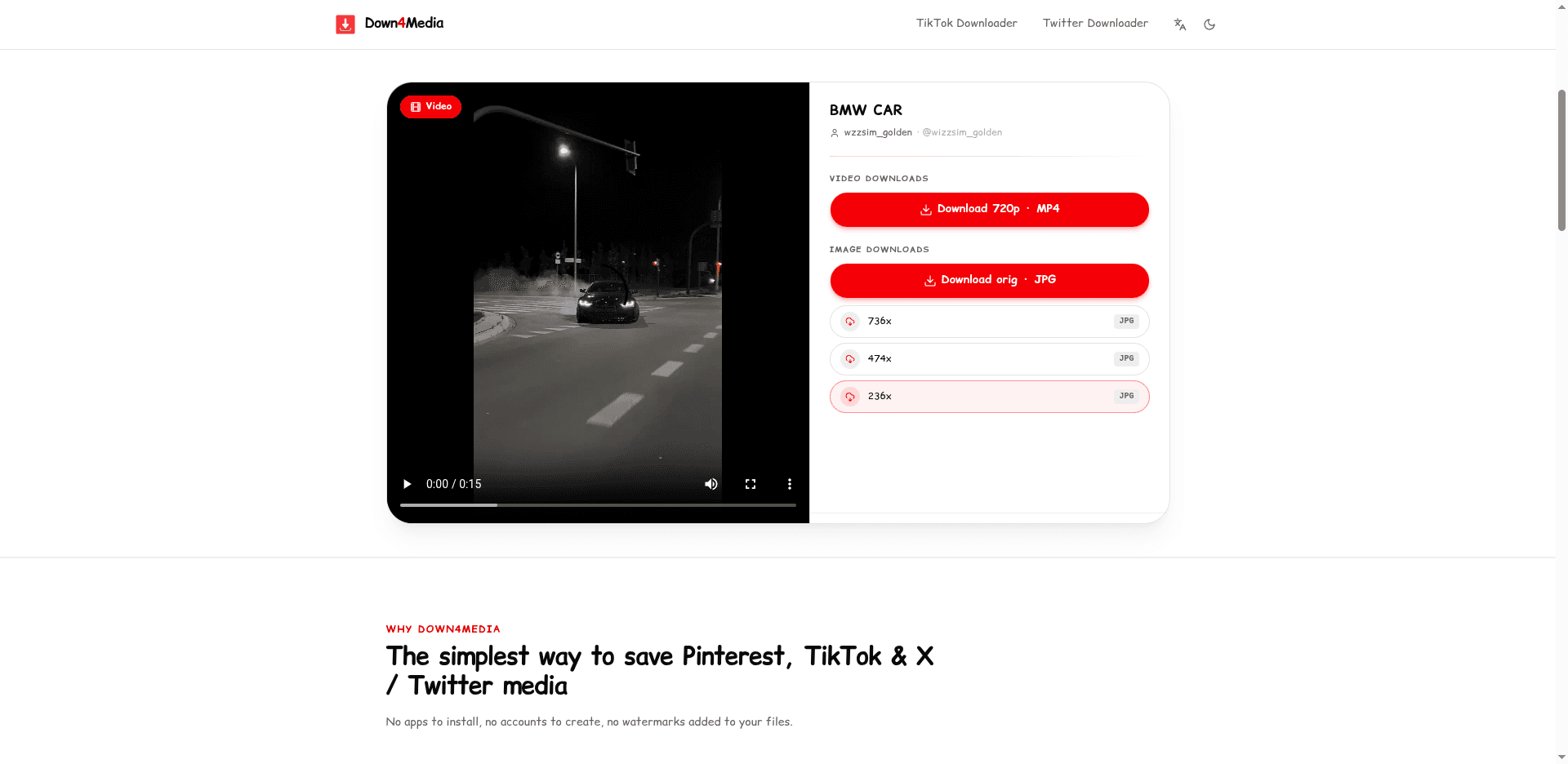
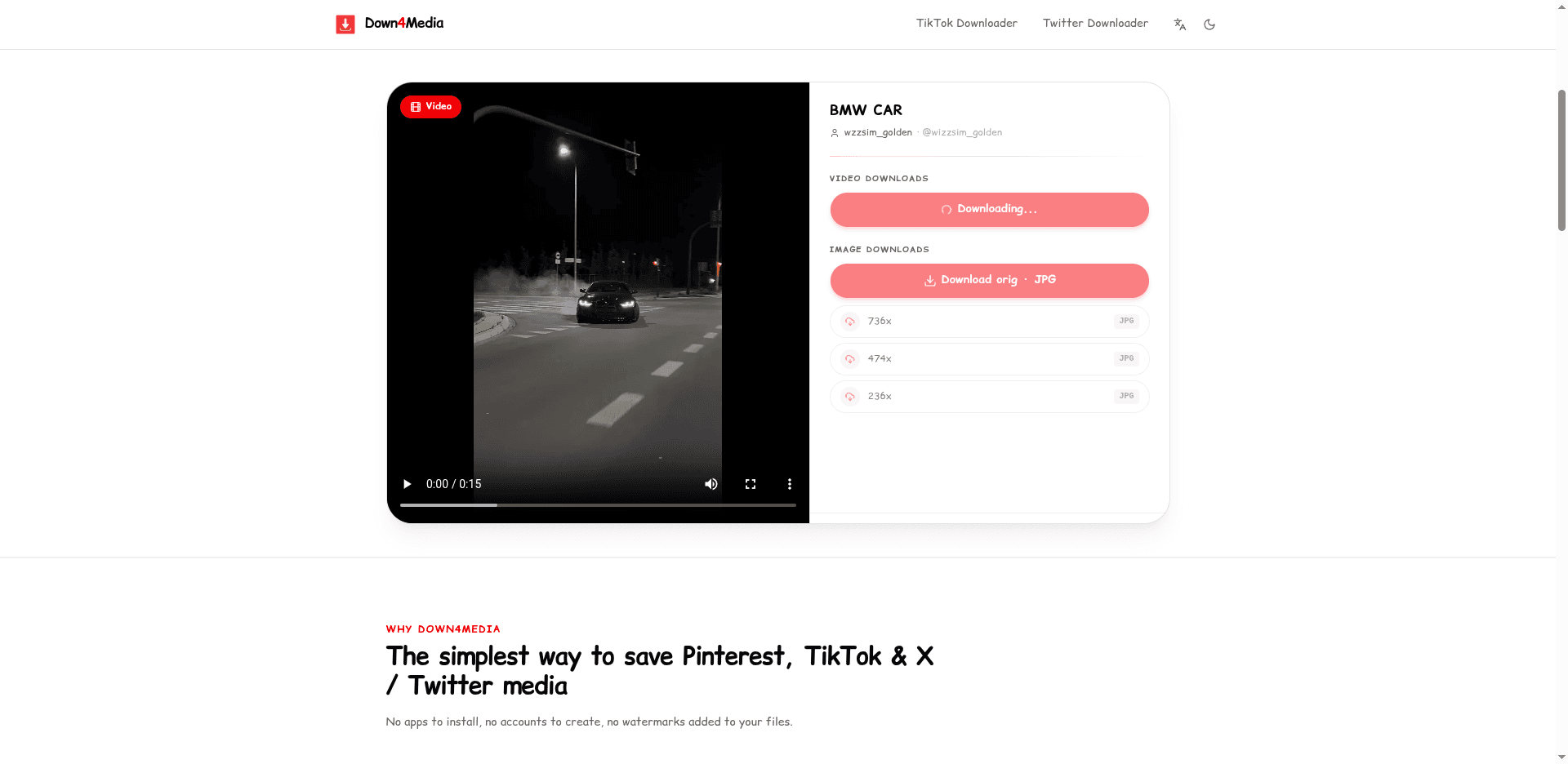
Use the Paste button or Ctrl+V / Cmd+V, press Download, and save whichever format the tool offers for that pin.
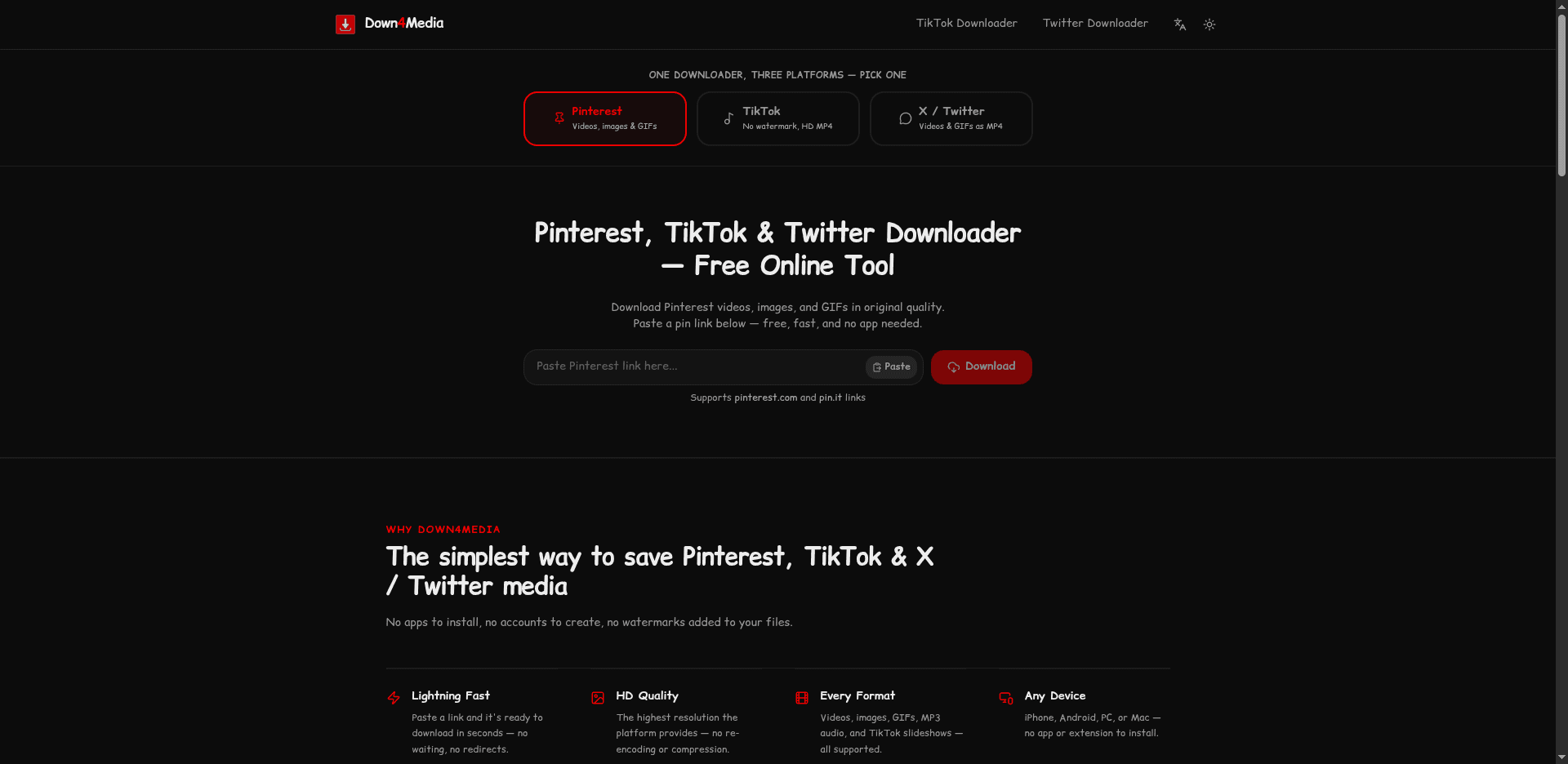
A real walkthrough of downloading from Pinterest with Down4Media.
Troubleshooting
These are the failures we see most often. The fix is usually one of these.
Likely cause: The preview frame was saved instead of the animation — usually by right-clicking or long-pressing the pin rather than pasting its link here.
Fix: Copy the pin's URL and run it through the downloader above. It fetches the actual animation file, so motion comes through intact.
Likely cause: Pinterest stores most animated pins as short silent video loops because video compresses far better than GIF. This is the platform's format, not a conversion error.
Fix: Keep the MP4 if size matters (chats, editors). If you specifically need .gif, convert locally — the loop itself is identical.
Likely cause: The pin sits on a secret board, was deleted, or is region-locked. Private content requires an authenticated session the downloader deliberately never uses.
Fix: Verify the pin plays in a logged-out incognito window. If it does not load there either, no downloader can reach it.
Likely cause: Pinterest keeps exactly what the creator uploaded. Animated pins are rarely offered in multiple resolutions.
Fix: There is no higher-quality version to fetch — the downloader always returns the largest file Pinterest stores for the pin.
Responsible Use
Loops, GIFs, and short MP4 animations are great for offline reference — but the underlying file still belongs to whoever uploaded it.
Use the downloader for animated pins you uploaded, public-domain content, or files the creator has explicitly allowed to be saved.
Saving a GIF or looping MP4 does not transfer copyright. Reposting or using it commercially still needs the creator's permission.
If you only need a quick share in a chat, the MP4 loop is usually 10× smaller than the same animation as a real .gif. Convert to GIF later if you need to.
For more detail, read our terms of use and privacy policy.
FAQ
Answers to common questions about saving animated pins from Pinterest.
Still have questions?
For bug reports, takedown requests, or anything else not covered here, write to the team at the address below.
Contact the teamTypical reply time
1 business day
Privacy Notice: We do not require accounts, and downloaded media files are never stored on our servers. Each completed download is logged (submitted URL, platform, media type, quality, a one-way hash of your IP, and your browser string) to operate the service and prevent abuse. See our privacy policy.
For personal and educational use only. Down4Media is intended for saving publicly shared media from Pinterest that you own, have permission to save, or need for private reference. It is not for redistribution or commercial reuse. All content belongs to its original creators. Not affiliated with Pinterest.