
Pinterest Video Downloader
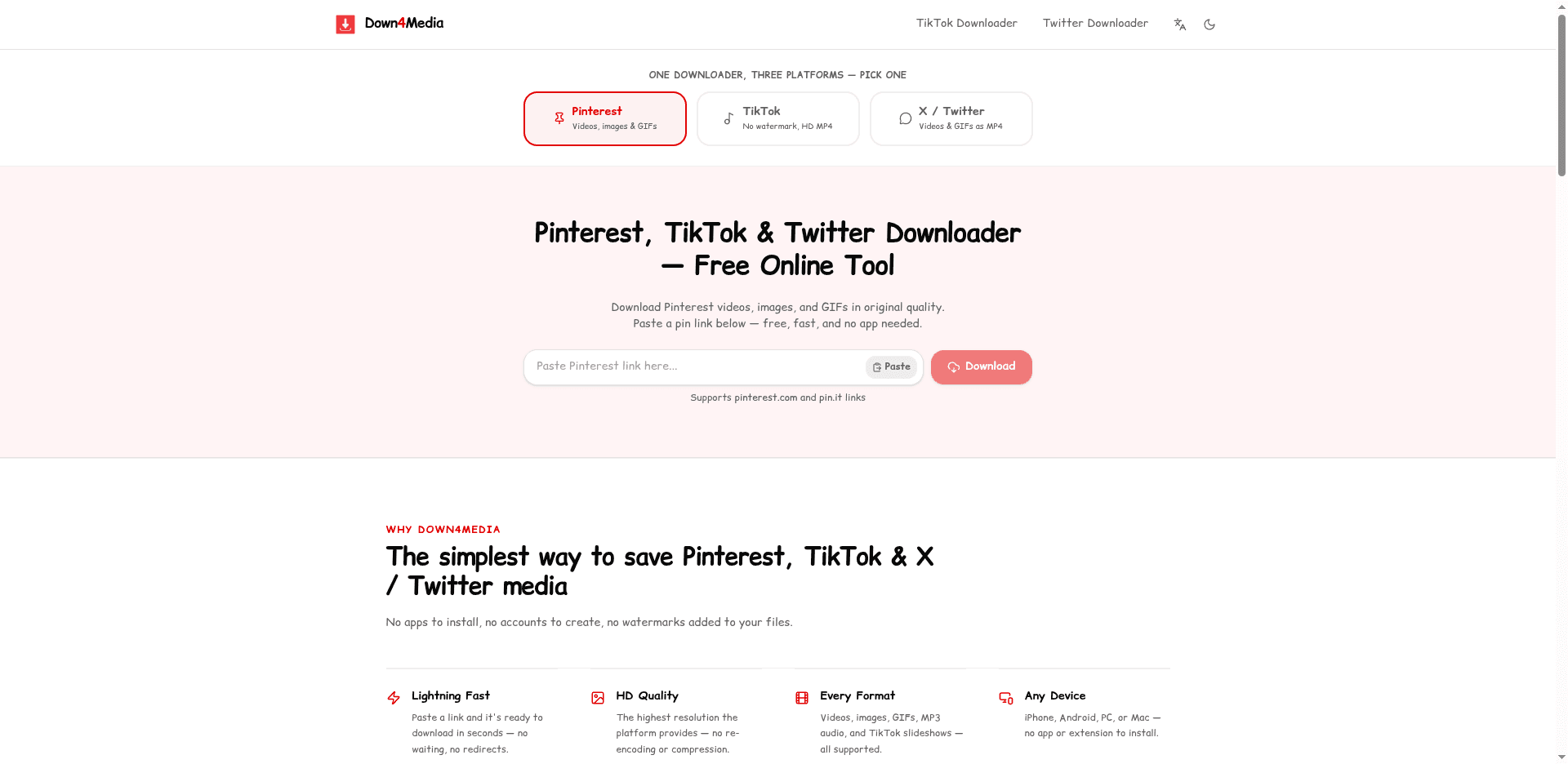
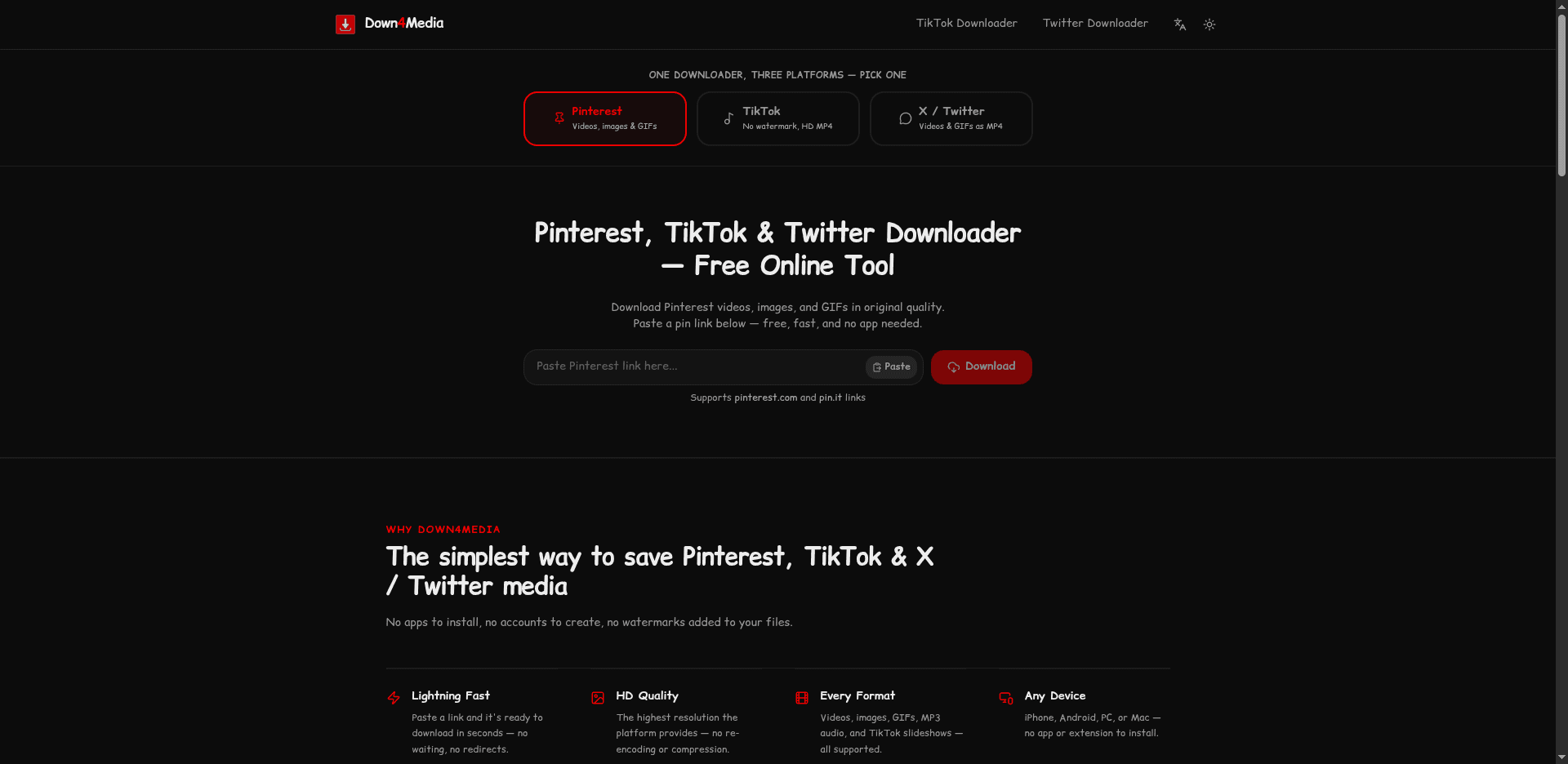
The website is mainly dedicated to downloading Pinterest videos, images, and GIFs online for free (without watermark). Paste a public pin URL below to save it in HD.
How it works
Three steps, under 10 seconds
Copy the Pin URL
Open any public Pinterest pin and copy the URL from your browser's address bar.
Paste & Download
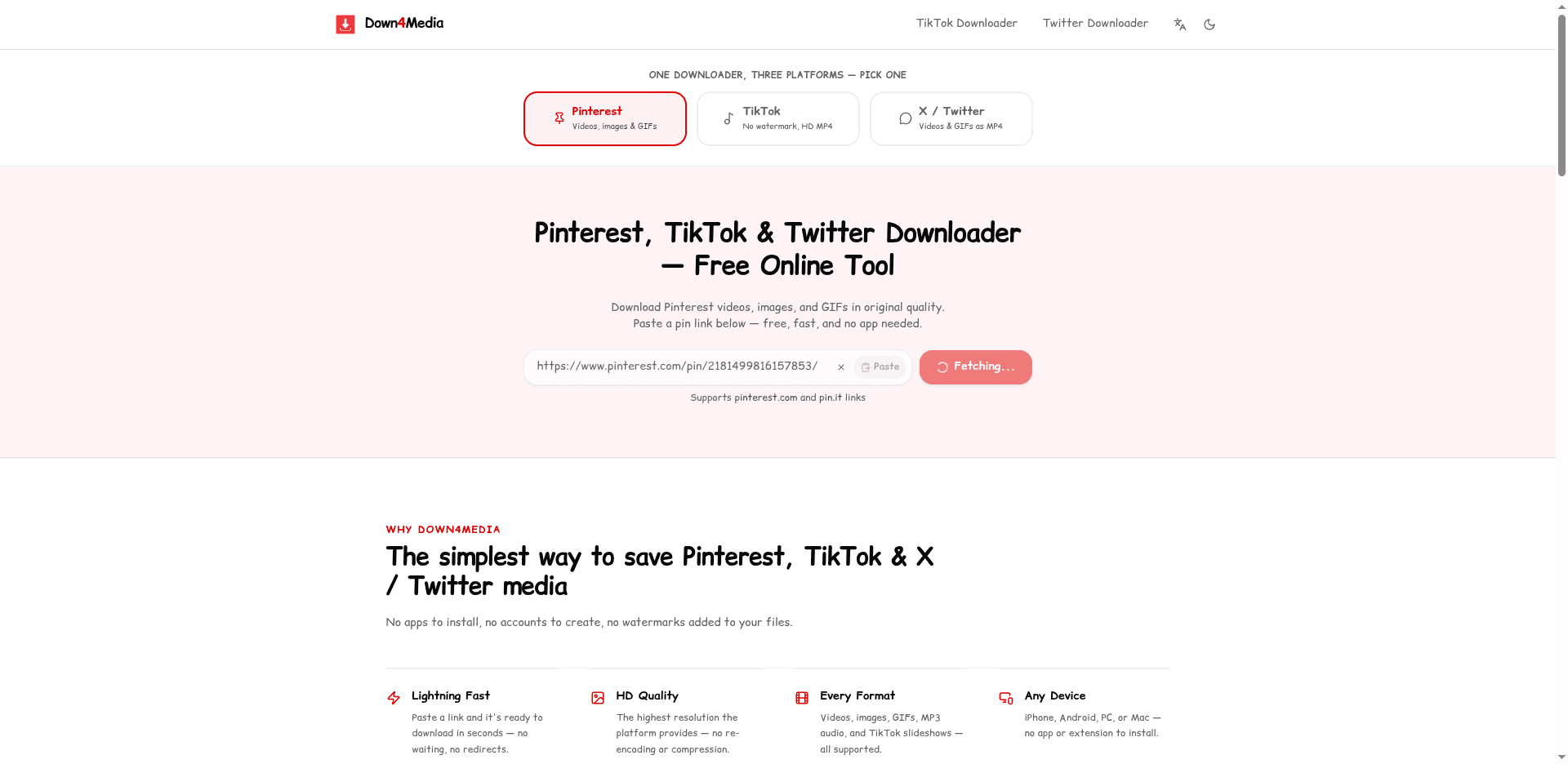
Paste the URL into the field above and check the available media options.
Save to Device
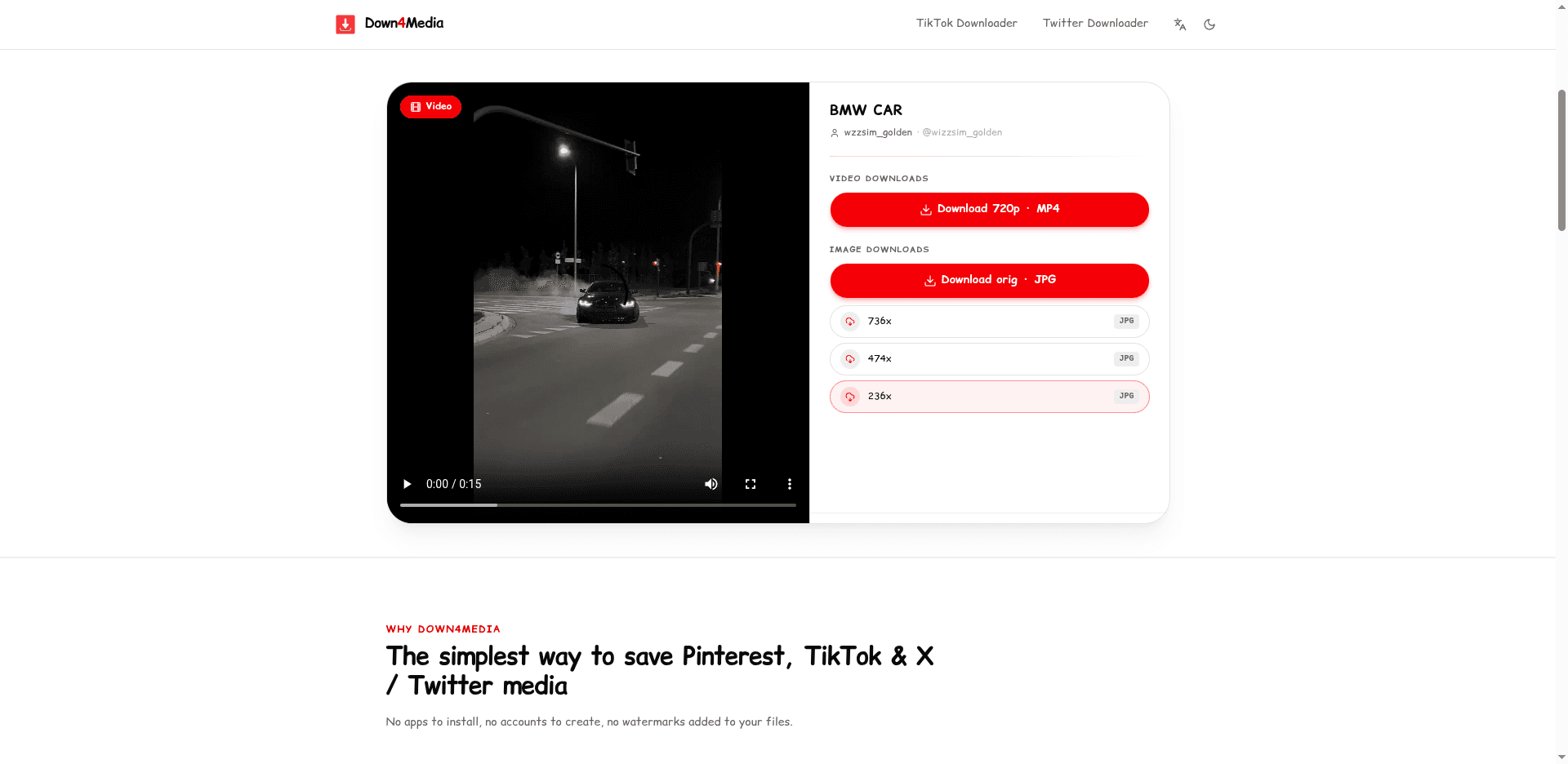
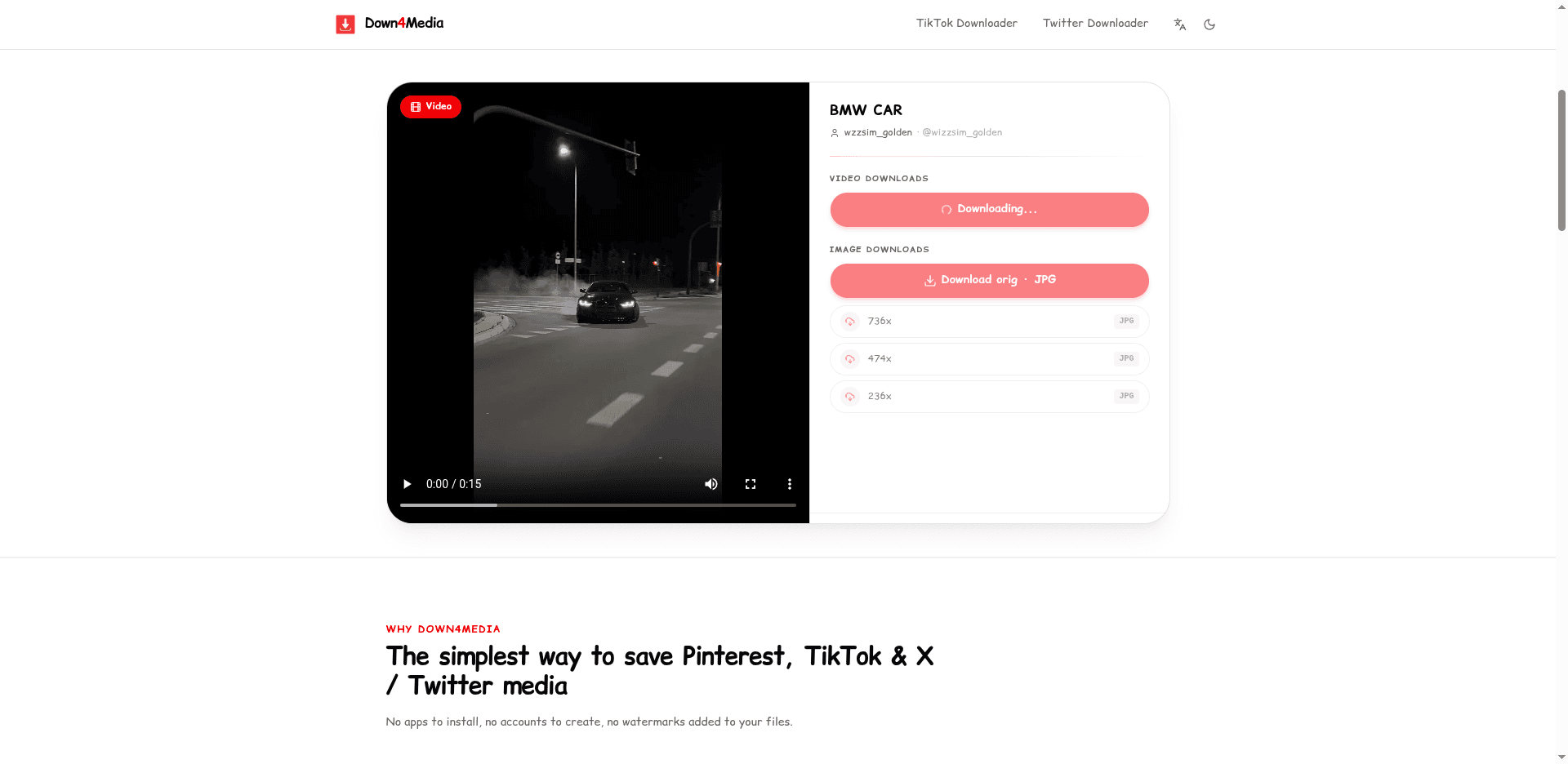
Pick your preferred quality and the file downloads straight to your device.
Why Down4Media
The simplest way to save media from Pinterest
No apps to install, no accounts to create, no watermarks added to your files.
Lightning Fast
Paste a pin link and it's ready to download in seconds — no waiting, no redirects.
HD Quality
The highest resolution Pinterest provides — no re-encoding or compression.
Every Format
Videos, images, and animated GIF pins — all supported.
Any Device
iPhone, Android, PC, or Mac — no app or extension to install.
How To Download Pinterest Videos using Down4Media?
What Down4Media does
Down4Media works with publicly accessible Pinterest links and displays whatever media is available for that link — a video, an image, or a GIF, depending on the pin. You never need to enter your Pinterest login details.
The steps below explain how to download available Pinterest videos, images, and GIFs from the mobile app or a desktop browser.
Steps to download from the mobile app
- Open the Pinterest app and pick the video, image, or GIF you want to save.
- Open the share menu. The ••• icon sits in the top right corner on most app versions and in the bottom right on the newest ones. Choose Copy Link from it — the share sheet always produces a clean link to that single pin.
- Paste the link into the download box on Down4Media and tap the Download button.
- A preview of your file appears — tap the Download button right below it.
- Your Pinterest video, image, or GIF saves straight to your device.
Steps to download from desktop
- Open Pinterest in your browser and open the video, image, or GIF you want.
- Copy the pin's URL from the browser's address bar.
- Paste it into the box above and press Download.
- Your file will be ready to download.
- Move the file from your Downloads folder to wherever you want it on your computer.
What works / what does not
Pinterest links and media that Down4Media can and cannot process
| What works | What does not work |
|---|---|
| Public Pinterest pin and pin.it links | Private, login-only, restricted, deleted, or unavailable content |
| Videos, images, and GIFs at the source resolutions Pinterest provides — including HD, 2K, and 4K when available | Board, profile, Ideas, or Answers pages |
| Idea-style video pins, delivered as their separate MP4 segments | Bypassing Pinterest access controls, or creating/upscaling a resolution that is not available from the Pinterest source |
Quality note: Down4Media delivers HD, 2K, and 4K whenever Pinterest provides those source files. You get the source quality as-is — nothing is upscaled or manufactured — and results can vary from pin to pin.
Does Down4Media Work on Mobile?
Down4Media is designed to work in modern mobile and desktop browsers, including:
- Android users — Chrome and every modern mobile browser.
- iPhone / iPad users — including saving to your camera roll.
- Desktop users (great for those who edit or manage content).
So whether you were searching for a Pinterest video downloader or just need a quick one-off save — Down4Media runs in any browser, with nothing to install.
What Else Can You Download?
Besides regular Pinterest videos, Down4Media also handles:
- Pinterest reels and short videos — that is this page: the paste box above saves them as MP4.
- Pinterest images in original resolution
- GIFs posted as animated pins
- Idea-style video pins (multi-step tutorials or slideshows), delivered as their separate MP4 segments
Is Down4Media Safe to Use?
Down4Media only processes public Pinterest URLs — it never asks for your Pinterest username or password. As with any online download service, stick to URLs and media you are allowed to download, and keep your browser and device security up to date.
- No Pinterest login is ever required.
- Everything runs through your browser — you never give Down4Media access to your Pinterest account.
- Private and restricted content — login-only, invitation, or deleted — is not supported.
Responsible use and creator rights. A pin being publicly visible doesn't make it copyright-free or public domain. Save only content you own or are authorized or legally permitted to keep. A download from Down4Media is not permission to reuse, republish, or commercially exploit the media. Pinterest states that people retain rights to what they post and provides a process for copyright complaints — see the Pinterest Terms of Service and Pinterest Copyright Policy. Down4Media is not affiliated with Pinterest.
Privacy and service data. Down4Media uses Google Analytics, Google advertising and consent services, and ordinary server logs to provide, secure, measure, and improve the service and to display ads. Depending on your consent and settings, these services may process page views, traffic sources, approximate location, IP address and security-request information, browser and device details, response status, and ad interactions. The Pinterest URL you submit is processed to generate results and never lands in a database. Read our Terms of Use & Privacy Policy for more information.
✅ Check Down4Media's current reputation with: Google Safe Browsing | Norton Safe Web | Sucuri Scanner
Supported URLs
https://www.pinterest.com/pin/795377984215165340/https://pin.it/60m8aXr85
UPDATE: Down4Media is not responsible for what users choose to download. We don't host any Pinterest videos, images, or GIFs on our servers — all media is delivered straight from CDN servers. Our Terms & Conditions apply.
Some pins may take longer to process — large video files and busy periods can slow the lookup. If a link fails, the pin is usually private, deleted, or not a direct pin URL.
Guides & Tutorials
Not sure which downloader to trust? Read Best Pinterest Downloader in 2026: What to Look For — a seven-point checklist covering media-type support, quality options, mobile behavior, privacy red flags, and the clone-farm traps to avoid. More guides live on the blog.
See it in action: Pinterest
A real walkthrough of downloading from Pinterest with Down4Media.
FAQ
Pinterest tool questions
Questions about the downloader itself — accounts, storage, reuse rules, and device support.
Still have questions?
For bug reports, takedown requests, or anything else not covered here, write to the team at the address below.
Contact the teamTypical reply time
1 business day
Privacy Notice: We do not require accounts or store submitted download URLs in an application database. Requests are processed only to return available media options.
For personal and educational use only. Down4Media is intended for saving publicly shared media from Pinterest that you own, have permission to save, or need for private reference. It is not for redistribution or commercial reuse. All content belongs to its original creators. Not affiliated with Pinterest.